


We can check and collect the related informations and traces to solving the issues or improving the PI or PO systems’ performance via “XPI Inspector Tool”…
SAP Basis, SAP Security, S/4HANA, Fiori, SAP Administration
-
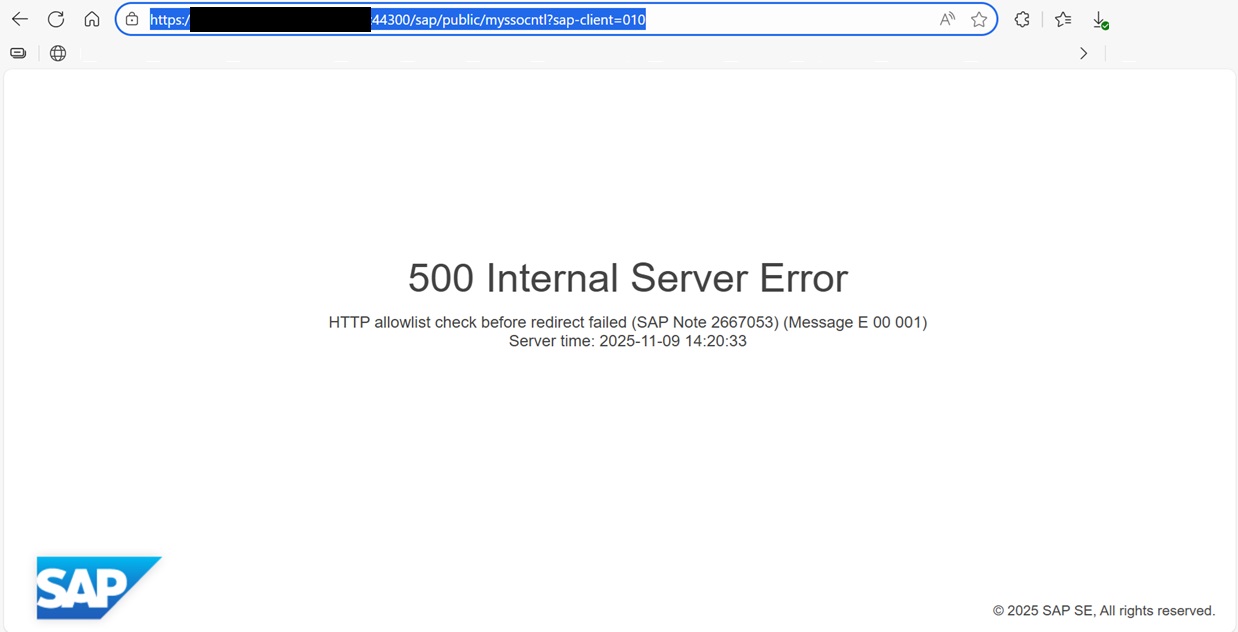
How to Resolve SAML2 HTTP 500 Errors Caused by HTTP Allow List Restrictions
When performing a server migration, hostname update, or domain change in an SAP landscape, one of the most common issues administrators encounter is...
-

Automatically Reorganizing Short Dumps
In order to clean the shortdumps in the system with certain criteria, the “SAP_REORG_ABAPDUMPS” job (Program Name : RSSNAPDL) must be...
-
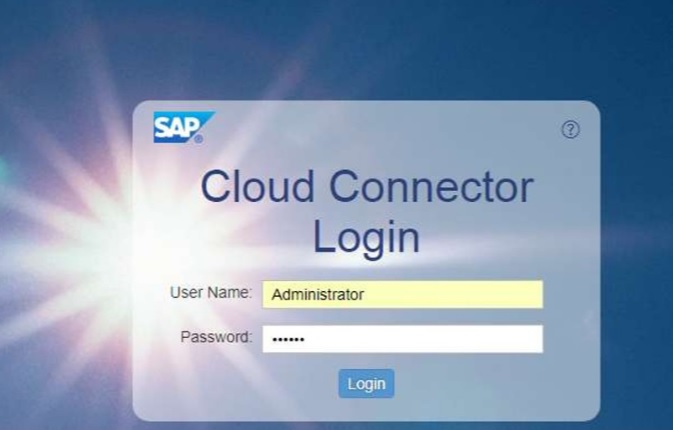
Reset the password of user Administrator of SAP Cloud Connector
Reset the password of user Administrator of SAP Cloud Connector – Stop the SAP Cloud Connector Service with the following command; #service...
-
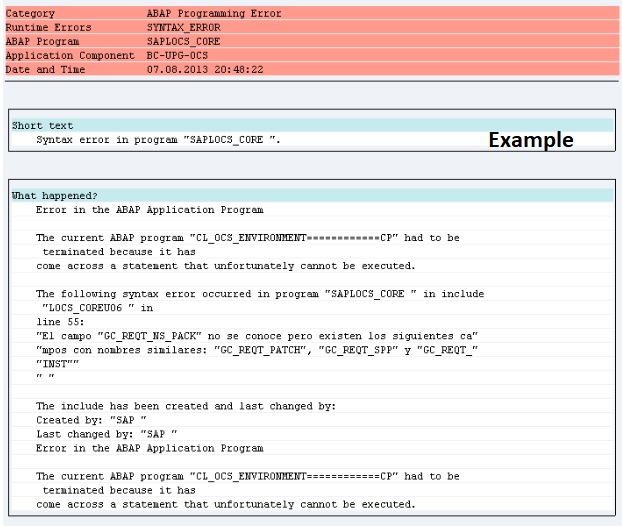
Dumps after SPAM aborts while Importing SAP Support Package
If the SPAM transaction is canceled or there is a connection interruption during the transfer of SAP Support Packages, errors as stated below may...
-
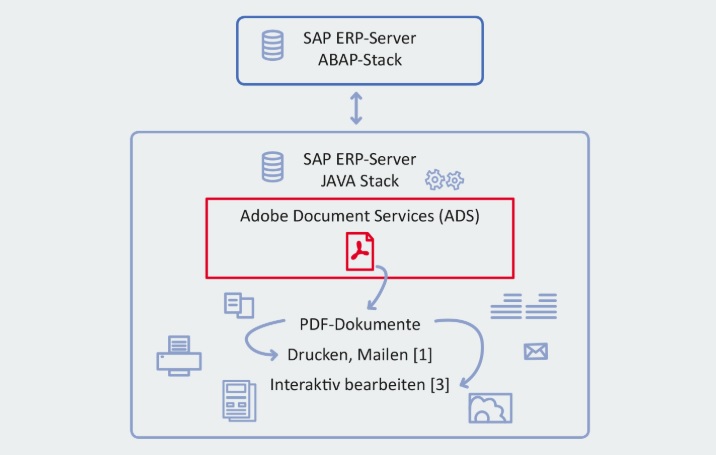
SAP HotNews : RSPO1043 detects false inconsistencies and deletes spool requests
If you are storing ADS spool requests in the database and not in the default way in the filesystem or you are on one of this SPs or higher ; ...
-
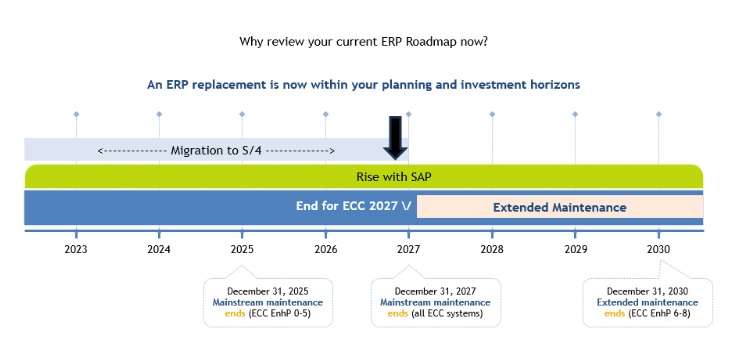
SAP extends support deadline for getting off legacy software
SAP has announced an extension for support for legacy systems for certain customers who sign up for specific ERP cloud migration deals. ...
-
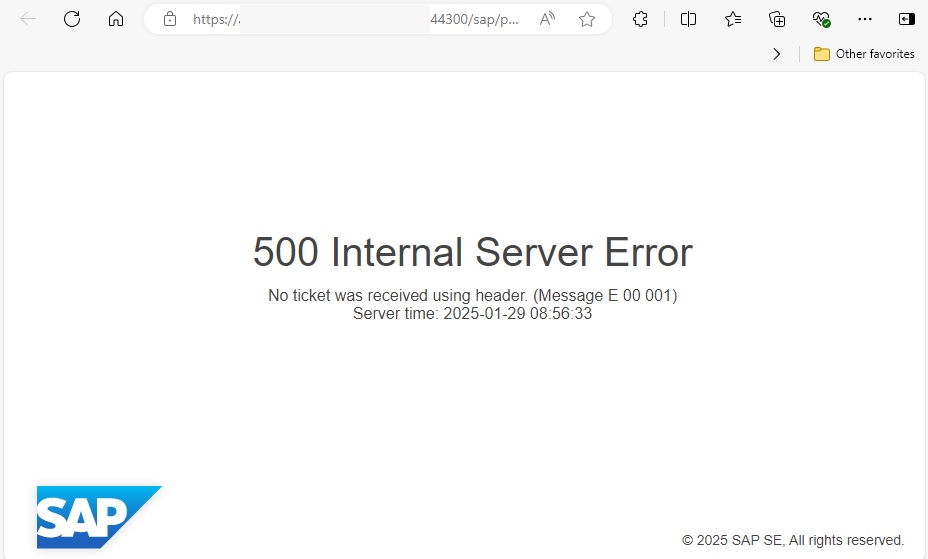
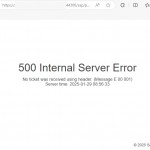
500 Internal Server Error via Web Browser
When trying to open a web browser-based screen via a transaction code in SAP, a “500 Internal Server Error” error may be received. ...
-
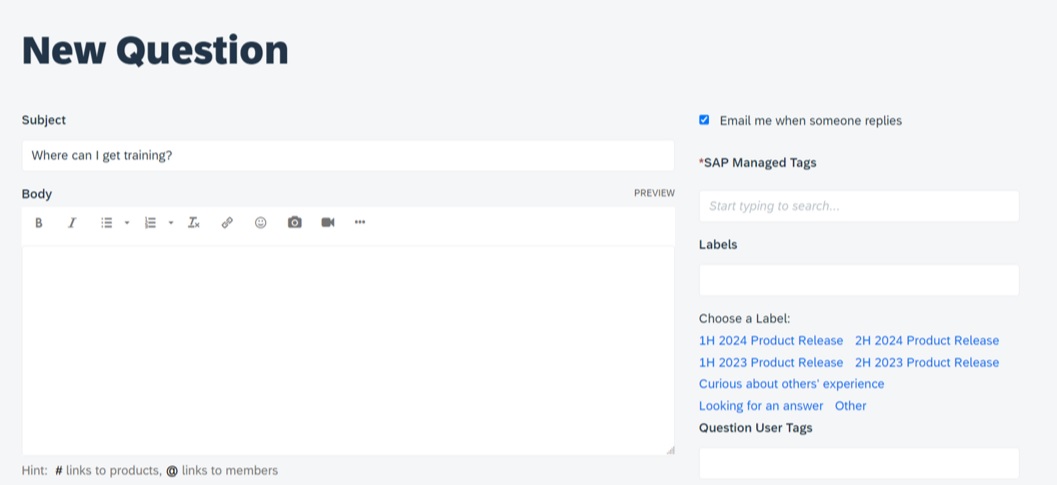
Asking and Answering Questions in the SAP Community
SAP provides a convenient channel through which you can ask questions about any SAP topic. Before asking a question, you can also browse the...
-
Performance Issues on ABAP Stack
Today we are going to check performance issues on ABAP stack…The system may be up and running, but performance issues will hurt...
-

What is RISE with SAP ?
RISE with SAP is a “Business Transformation as a Service (BTaaS) product that focuses on shifting customers into the SAP cloud product...
“no valid destination” when using logon groups and the SAP Web Dispatcher

Web Dispatcher trace file “dev_webdisp” shows the following messages in case of the situation ;
HANA Database Upgrade from 1.0 to 2.0

Start the process by following selection ;
HANA Administration Console -> Select the System -> Lifecycle Management
-> Platform Lifecycle Management -> SAP HANA Platform Lifecycle Management
SAP HANA Offline Cockpit

To diagnosis and analyze errors while SAP HANA is stopped or cannot be reached due to performance problems, you can access diagnosis files in the SAP HANA cockpit for offline administration.
SAP HANA Cockpit
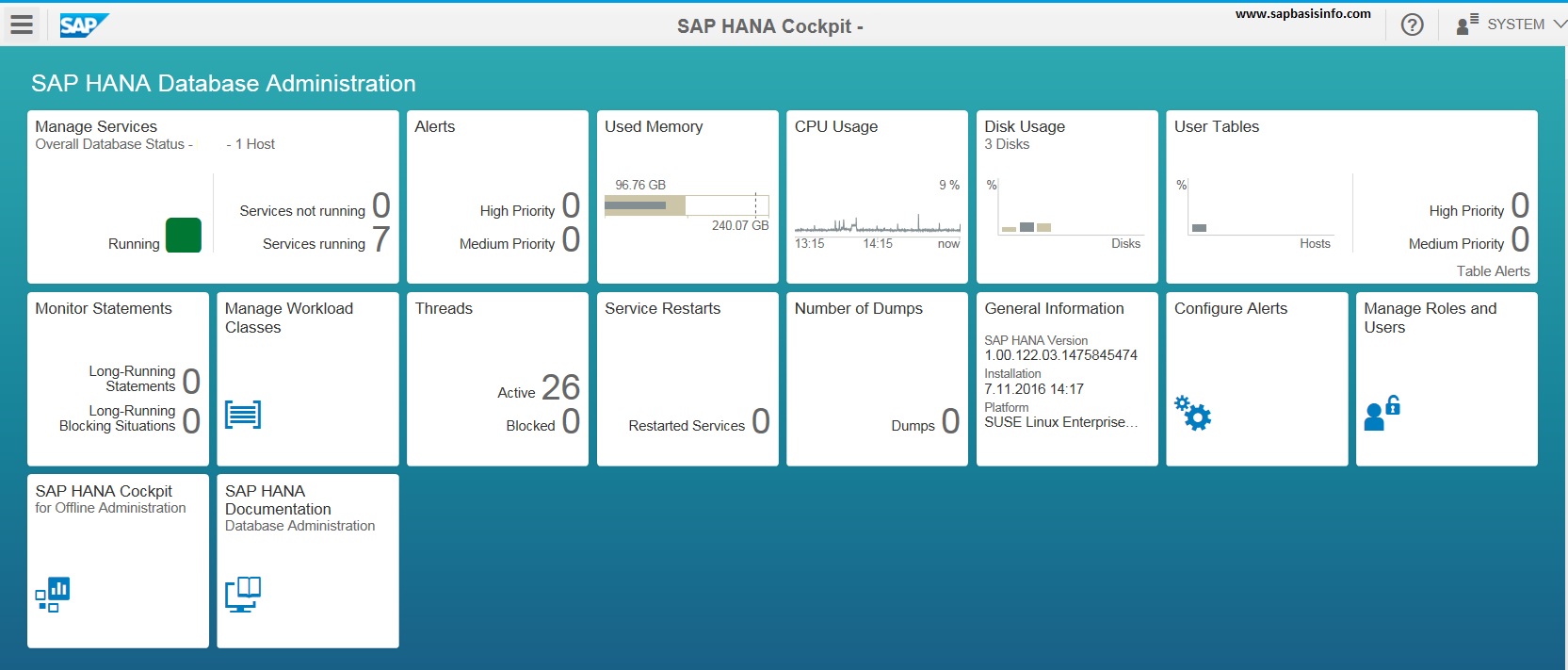
If you want to administrate and monitor your SAP HANA databases , you can use the “SAP HANA Cockpit” tool.SAP HANA cockpit, a web-based HTML5 user interface that you access through a browser, runs on SAP HANA extended application services, advanced model.
Internal error: No PAT07 entries for package XXX
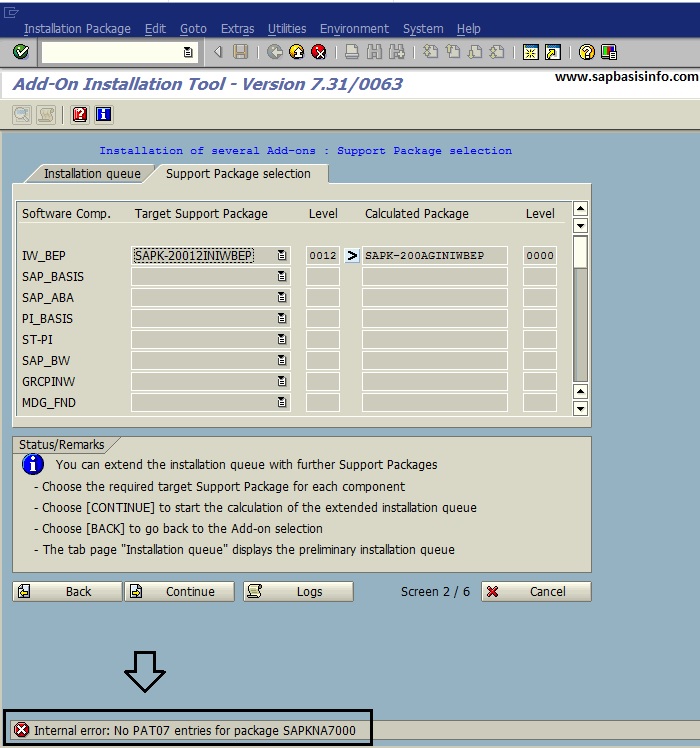
If you installed the SPAM/SAINT version 0063 and want to install a new Add-On or upgrade already installed Add-On , then you probably get the error message “Internal error: No PAT07 entries for package XXX” and installation queue will be failed.
WorkProcess Hangs on Program SAPLSENA with Reason ENQ

If your SAP work processes hangs on program SAPLSENA with the reason ENQ , then you should check the log files and compare you situation with this article…
SAP HANA License Types
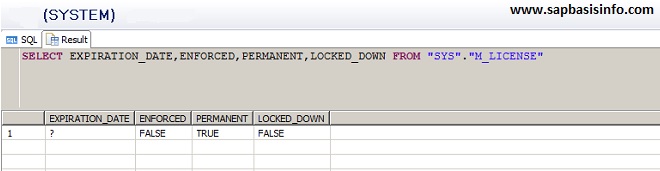
You can find the details of “SAP HANA License Types” and difference of the “Unenforced” and “Enforced” options in this article…
Use SAP HANA HDBSQL to execute SQL commands at OS level
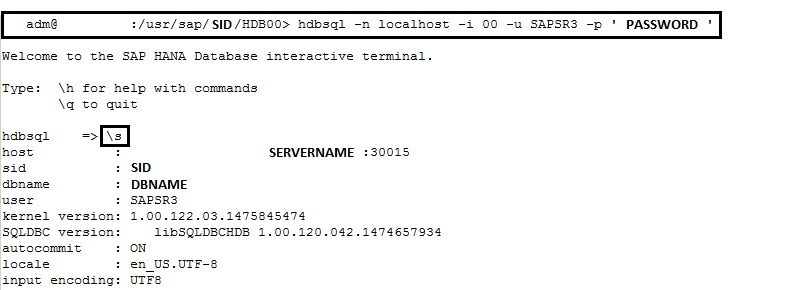
If you want to access SQL prompt using HDBSQL at OS level, then you need to follow below steps and passwords of the user <SID>ADM and one of the HANA database users’s password.
Check and Install HANA License
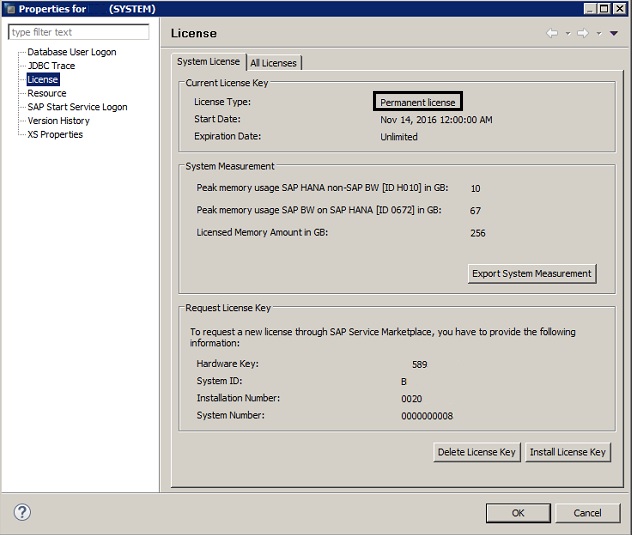
You can find the details of HANA licensing issues in this post, so you can; “Check” , “Get” and “Install” your SAP HANA license easily…
SAP HANA System START|STOP|RESTART Information Log
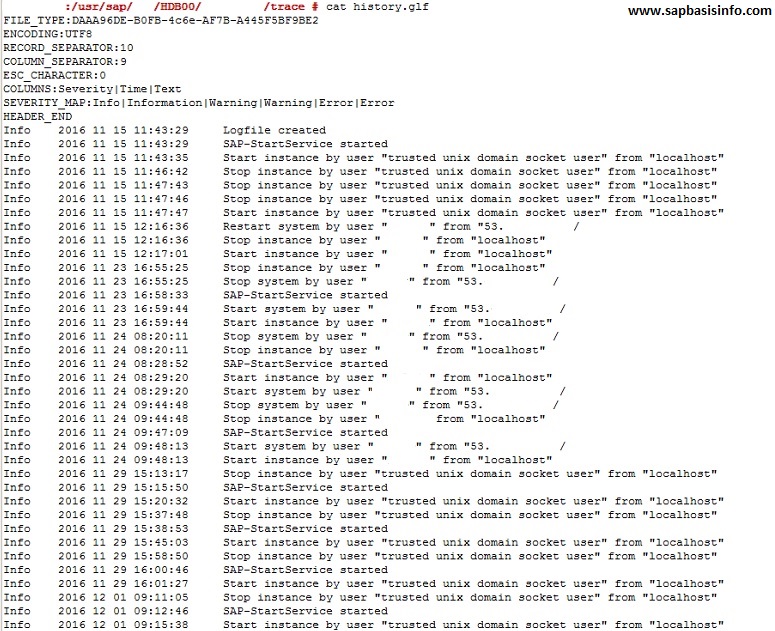
You can easily find the detail informations of your SAP HANA system; when was started/stopped/restarted from the log file “history.glf”
maximum number of connected terminals reached
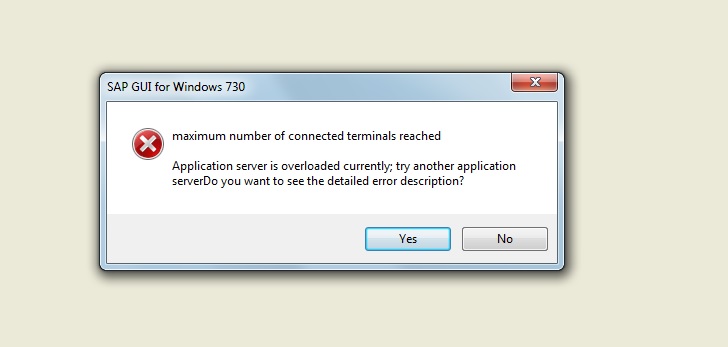
If you are getting an error message like “maximum number of connected terminals reached” while trying to logon your SAP system then you should check the related profile parameter like described in this article.
Entry found in buffer with no data file(s) transferred yet
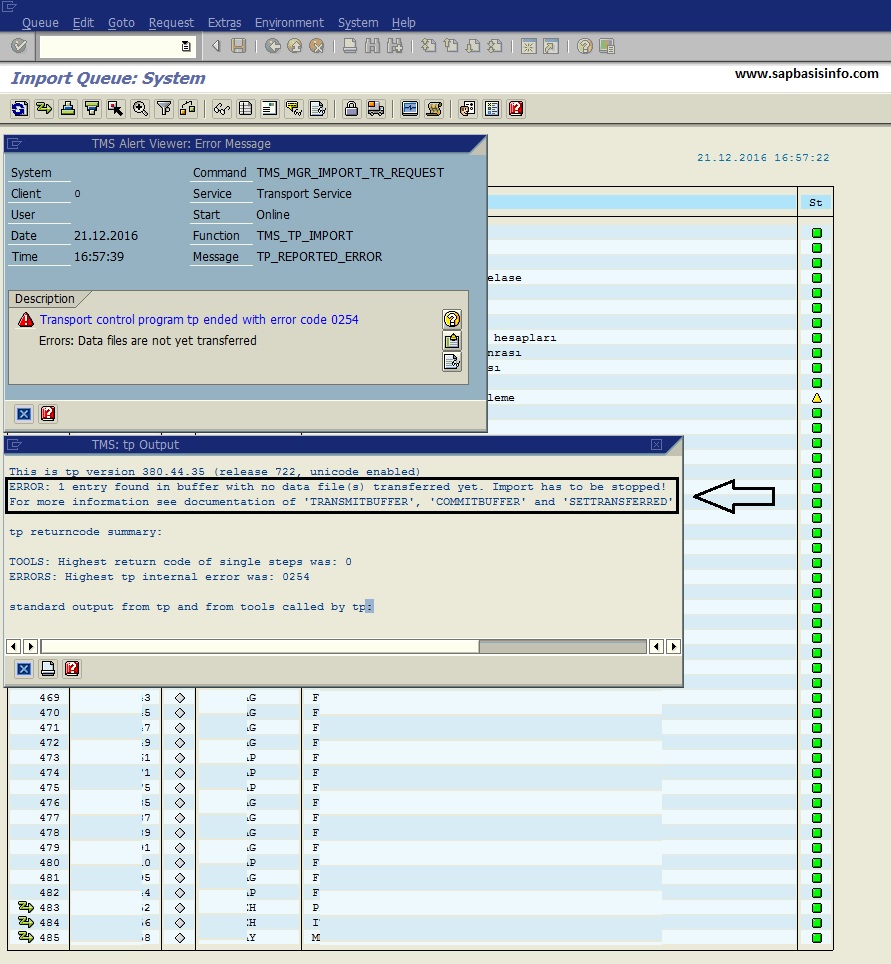
If you are getting an error message like “Entry found in buffer with no data file(s) transferred yet” while trying to import a transport request to your SAP system, you should check the following solution before trying to search on other sites 🙂
SAPCONTROL Command Funtions for SAP HANA
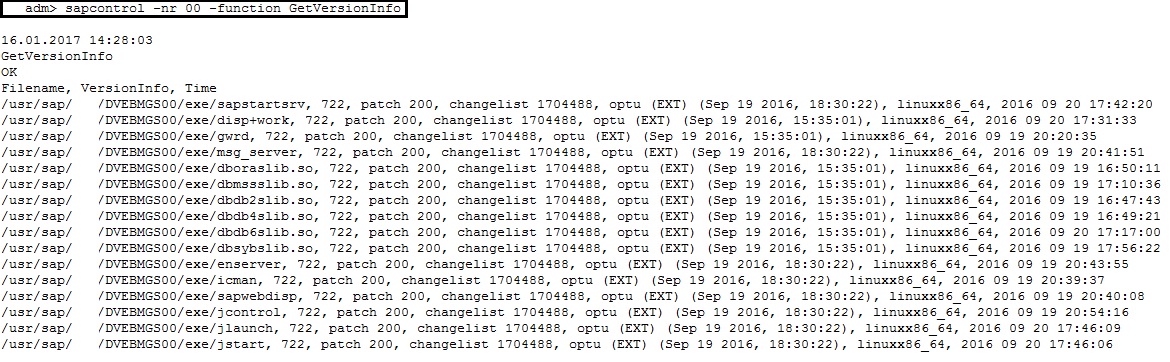
You can use the “sapcontrol” command for various operations and informations on SAP HANA systems with assigned FUNCTION switches.
BR0022E Setting of BRARCHIVE lock failed
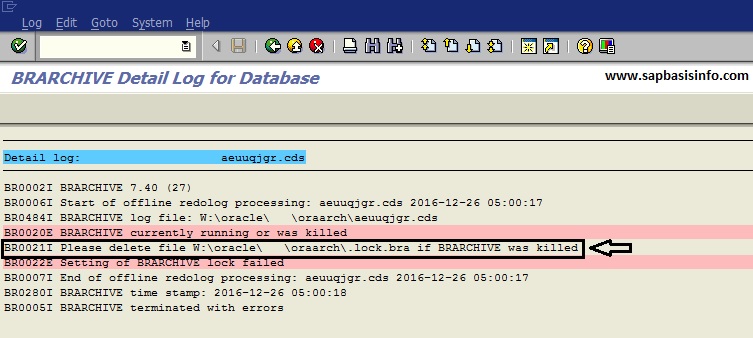
If you are getting an error message “BR0022E Setting of BRARCHIVE lock failed” with the detail information like “BR0021I Please delete file W:\oracle\<SID>\oraarch\.lock.bra if BRARCHIVE was killed” while taking BACKUP operation via DB13, then you should check the LOCK file situation like described in this article…
Possible Rowstore Table Corruption When Continuous Page Flush is Enabled
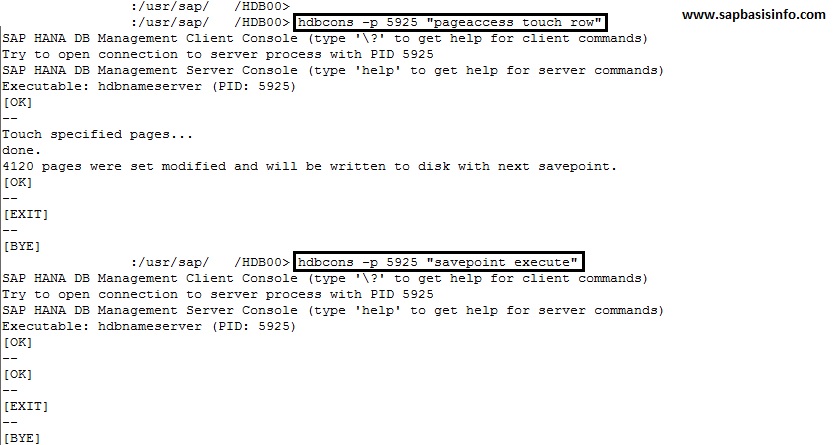
If you encounter corruptions in row store tables consistency check reports like “pointing to free variable part found;rowid=xxx;
offset=8;typeid=37;ext_rowid=xxx” then you should check the following OSS note and the steps which we completed.
Reset the HANA SYSTEM User’s Password
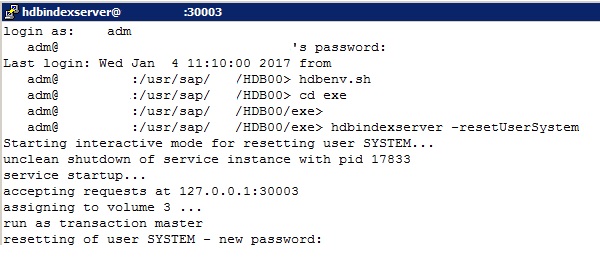
If your – HANA – SYSTEM user’s password is lost, then we can reset the password for this user as operating system administrator with starting the “index server” in emergency mode.
Object Missing in the Database
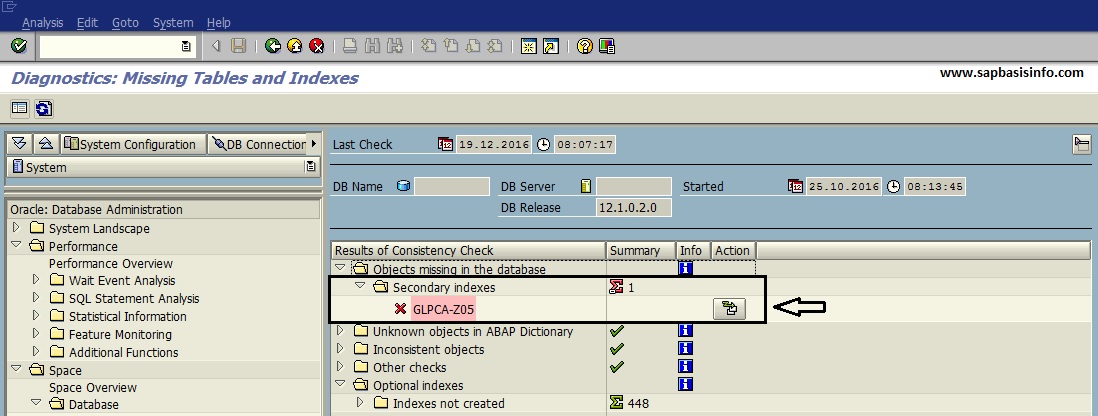
If you are getting an error like “Object Missing in the Database” in transaction DB02 then you should follow the steps below to eliminate the problem from you SAP system.
Unknown Objects in ABAP Dictionary
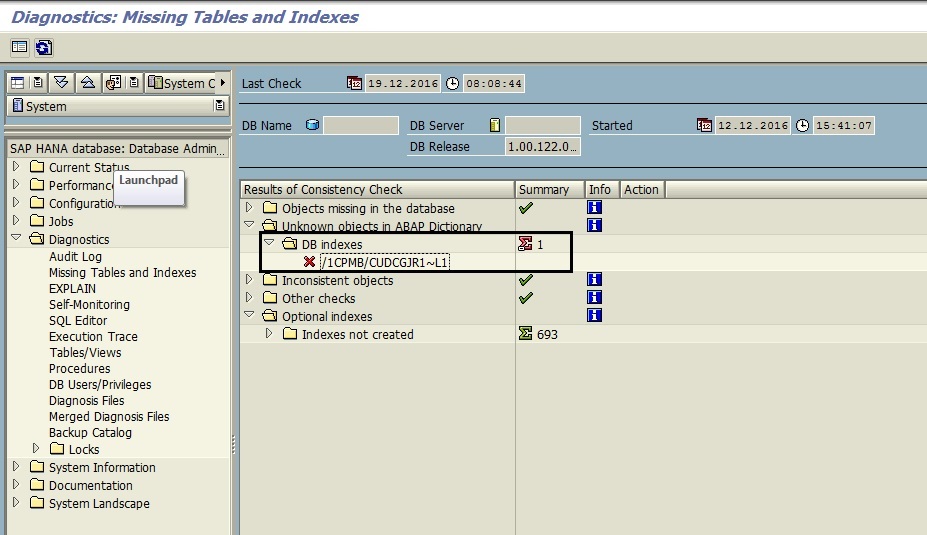
If you are getting an error message under the DB02 –> Missing Tables and Indexes –> Unknown Objects in ABAP Dictionary area, then you can follow the steps below to get rid of this error message for your SAP system.
Creating SERVICE in SUSE Linux Ent 12 SP1
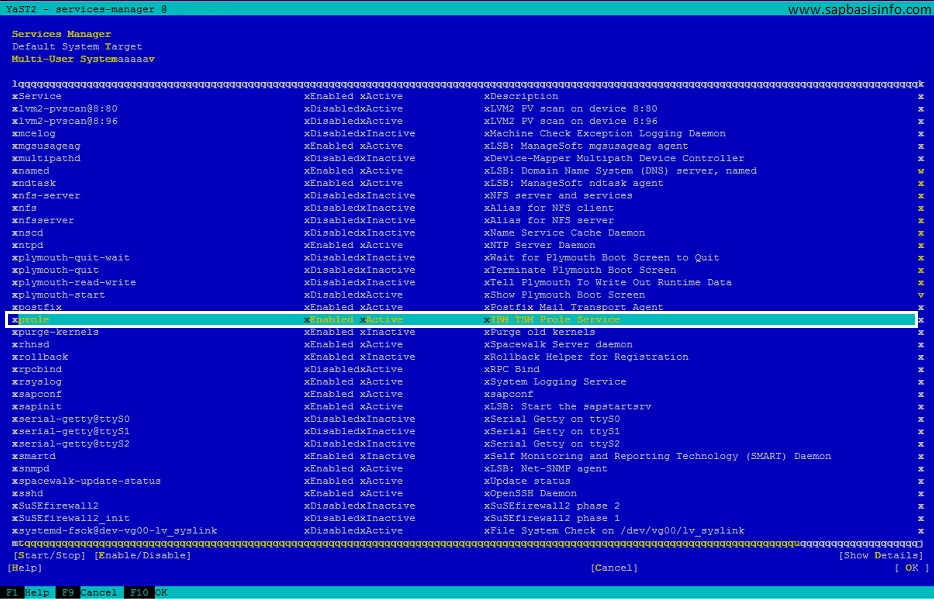
If you want to make a process as a “service” and want to start that service at the time of booting of Suse Enterprise linux then you can check the following example to create your own service easily…
STRUST – Issuer Certificate Missing in Database
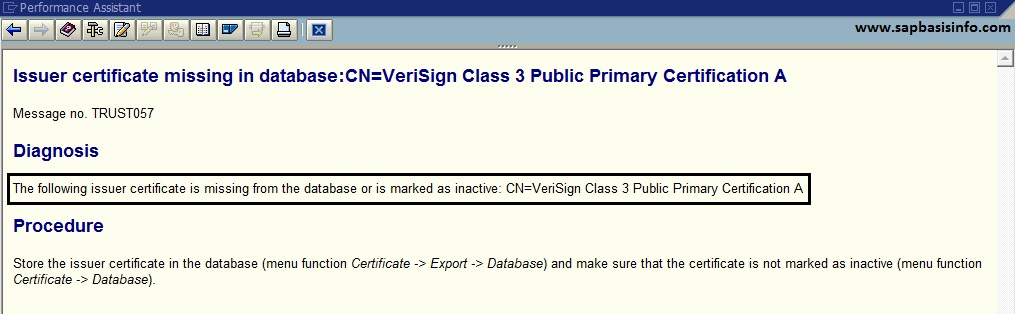
If you are getting an error message like “Issuer certificate missing in database” while importing the certificate response via STRUST transaction then try the following steps…
Enabling AUTOSTART of SAP HANA Database on Server Boot Situation

If you want to enable AUTOSTART option for your HANA database after a server reboot situation then you can do it with editing the following file…
Deactivating HTTPs for Webdynpro pages
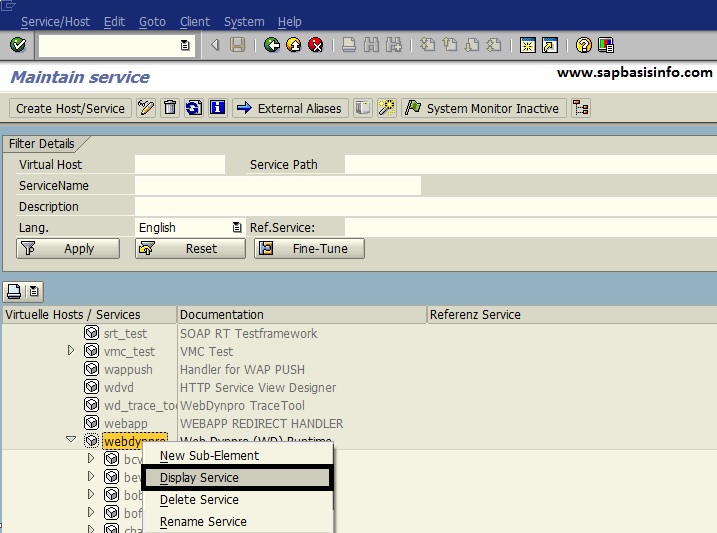
If you want to deactivate HTTPs redirection method for “Webdynpro” pages, then you can use the below steps to do it easily…
CMC/BI LaunchPad Session Timeout
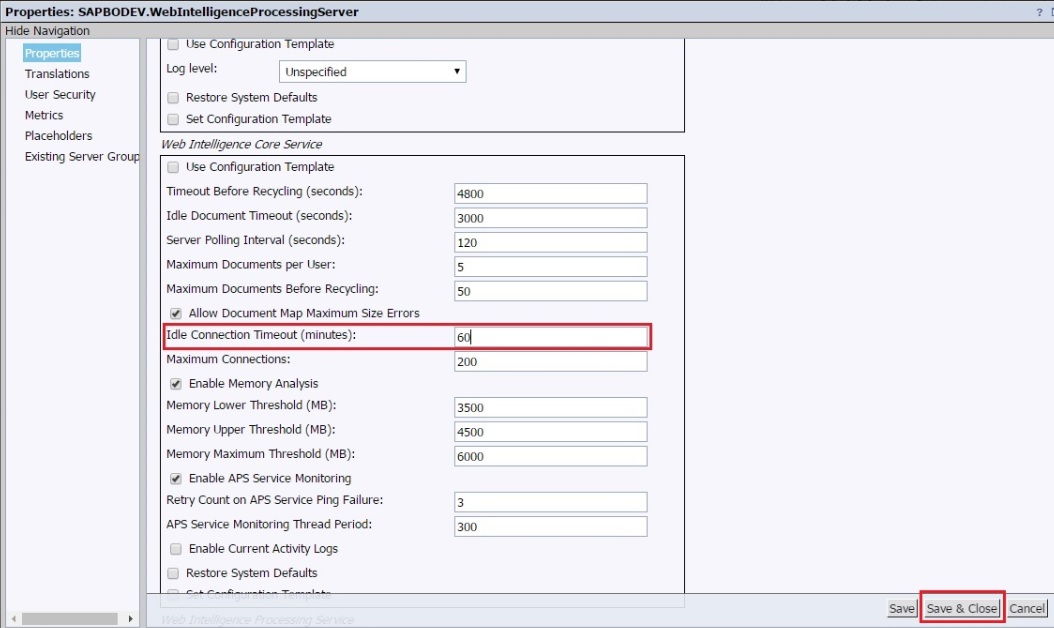
If you are getting an error “CMC/BI Lanunchpad Session Timeout” due to default value of 20 min. then you can change this value up to 60 min. with following easy steps.
Featured Posts
-
How to Resolve SAML2 HTTP 500 Errors Caused by HTTP Allow List Restrictions
-
Automatically Reorganizing Short Dumps
-
Reset the password of user Administrator of SAP Cloud Connector
-
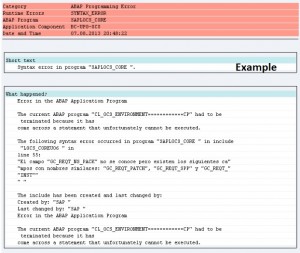
Dumps after SPAM aborts while Importing SAP Support Package
-
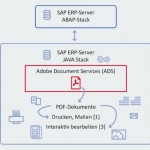
SAP HotNews : RSPO1043 detects false inconsistencies and deletes spool requests
-
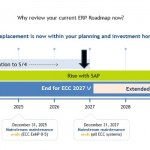
SAP extends support deadline for getting off legacy software
-
500 Internal Server Error via Web Browser
-
Asking and Answering Questions in the SAP Community
-

Performance Issues on ABAP Stack
-

What is RISE with SAP ?
Recent Comments