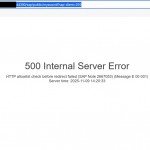
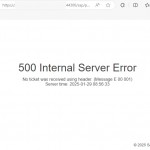
When trying to open a web browser-based screen via a transaction code in SAP, a “500 Internal Server Error” error may be received.
In this case, you can check the following change on SAP GUI.
When you try to start a web-based application through a transaction in SAP GUI, the screen you may receive may look like this.
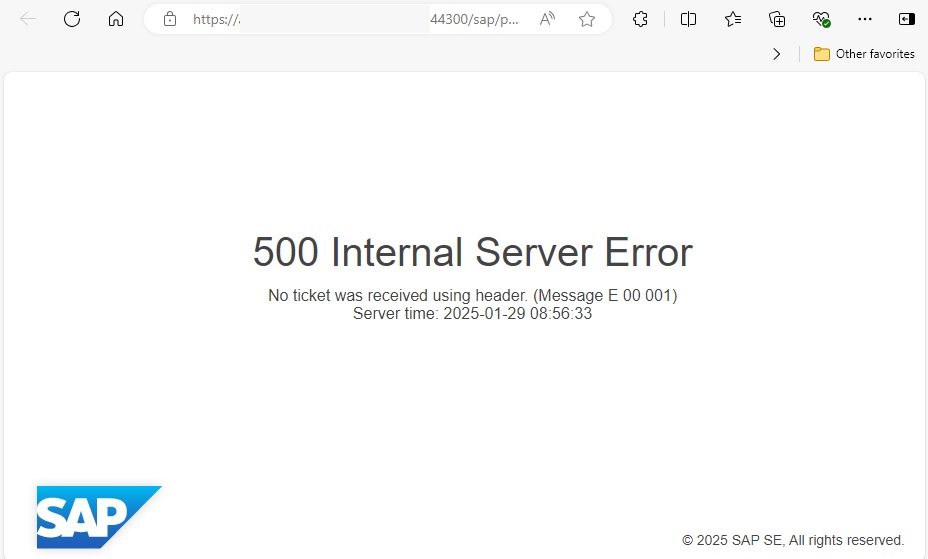
In this case, I recommend you check the following area on SAP Logon.

You can change this field to EDGE, save it, close all SAP screens, restart the SAP GUI and test the process again.

The expectation is that the relevant web-based screen will open smoothly as follows.