


If you get an error like “Incorrect (Error Sending Data)” in your SP01 transaction after your spool process then you can check the log file for the cause.
SAP Basis, SAP Security, S/4HANA, Fiori, SAP Administration
-
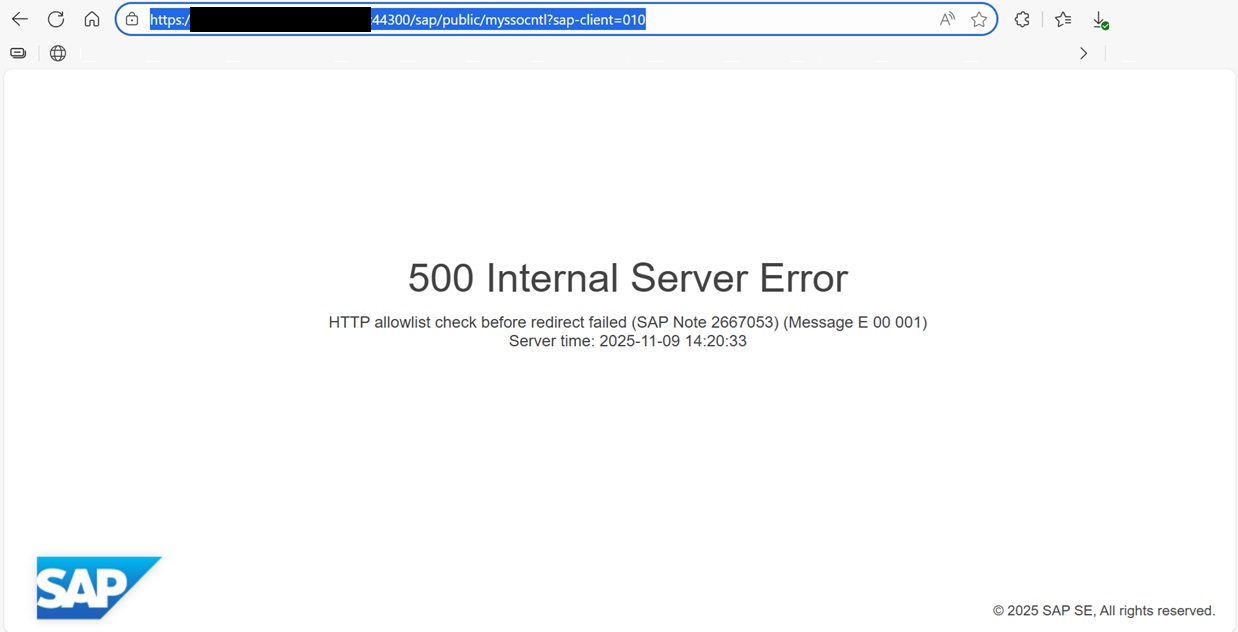
How to Resolve SAML2 HTTP 500 Errors Caused by HTTP Allow List Restrictions
When performing a server migration, hostname update, or domain change in an SAP landscape, one of the most common issues administrators encounter is...
-

Automatically Reorganizing Short Dumps
In order to clean the shortdumps in the system with certain criteria, the “SAP_REORG_ABAPDUMPS” job (Program Name : RSSNAPDL) must be...
-
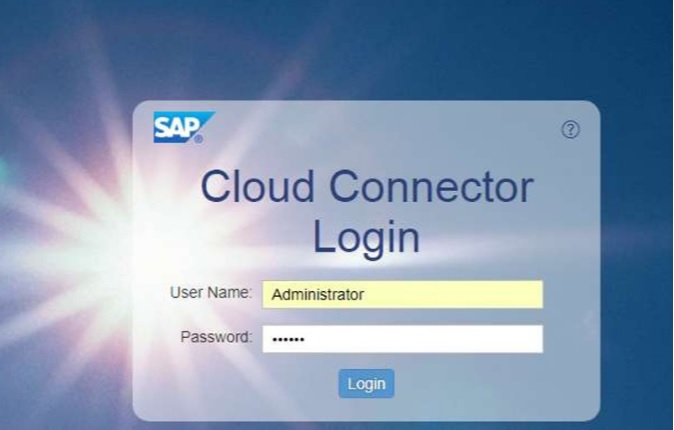
Reset the password of user Administrator of SAP Cloud Connector
Reset the password of user Administrator of SAP Cloud Connector – Stop the SAP Cloud Connector Service with the following command; #service...
-
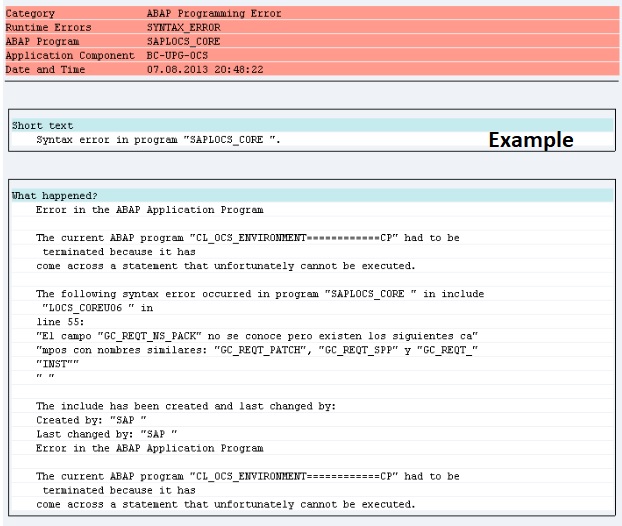
Dumps after SPAM aborts while Importing SAP Support Package
If the SPAM transaction is canceled or there is a connection interruption during the transfer of SAP Support Packages, errors as stated below may...
-
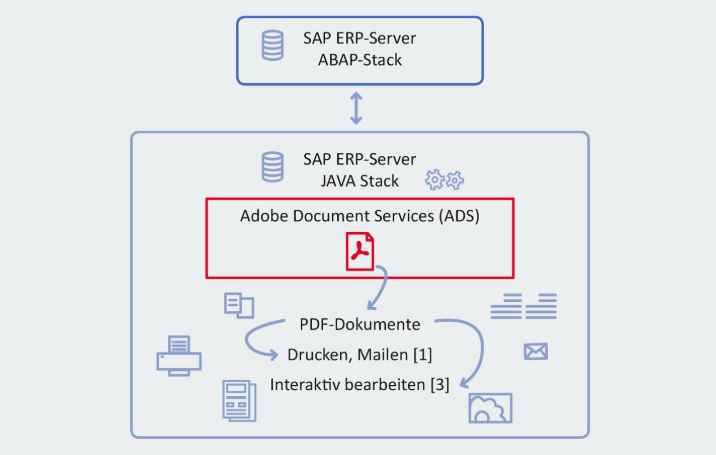
SAP HotNews : RSPO1043 detects false inconsistencies and deletes spool requests
If you are storing ADS spool requests in the database and not in the default way in the filesystem or you are on one of this SPs or higher ; ...
-
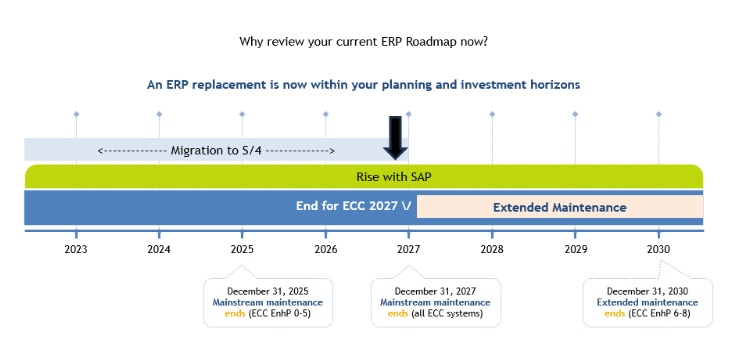
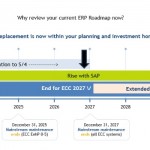
SAP extends support deadline for getting off legacy software
SAP has announced an extension for support for legacy systems for certain customers who sign up for specific ERP cloud migration deals. ...
-
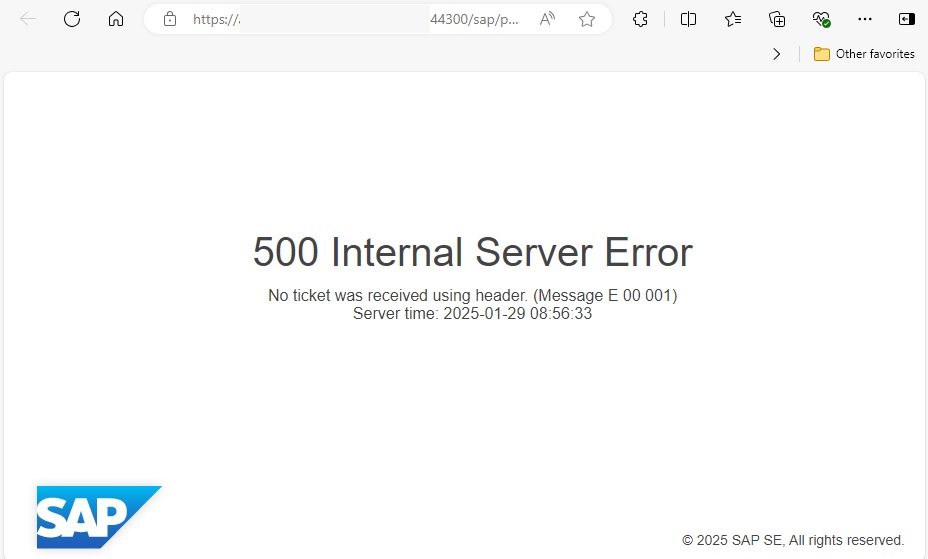
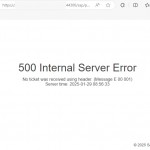
500 Internal Server Error via Web Browser
When trying to open a web browser-based screen via a transaction code in SAP, a “500 Internal Server Error” error may be received. ...
-
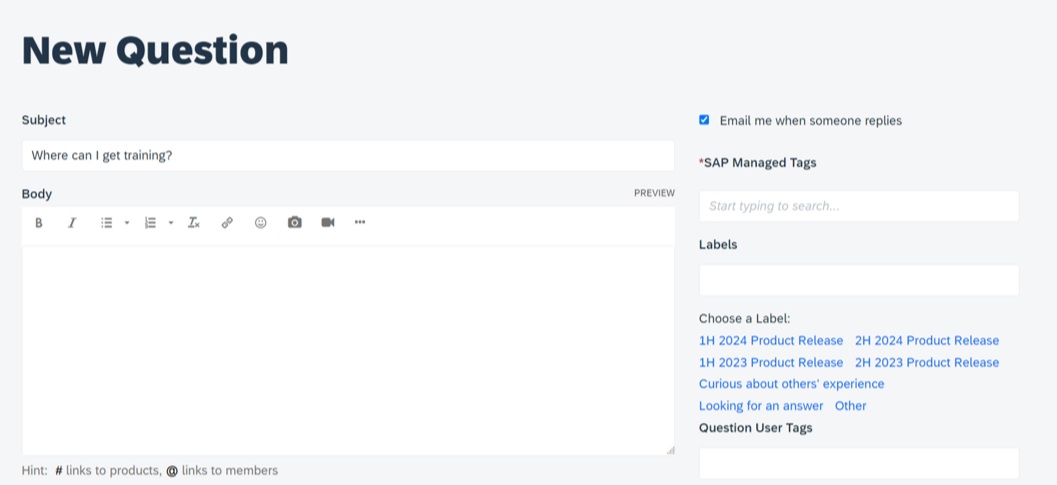
Asking and Answering Questions in the SAP Community
SAP provides a convenient channel through which you can ask questions about any SAP topic. Before asking a question, you can also browse the...
-
Performance Issues on ABAP Stack
Today we are going to check performance issues on ABAP stack…The system may be up and running, but performance issues will hurt...
-

What is RISE with SAP ?
RISE with SAP is a “Business Transformation as a Service (BTaaS) product that focuses on shifting customers into the SAP cloud product...
Change SAP Font and Size Settings
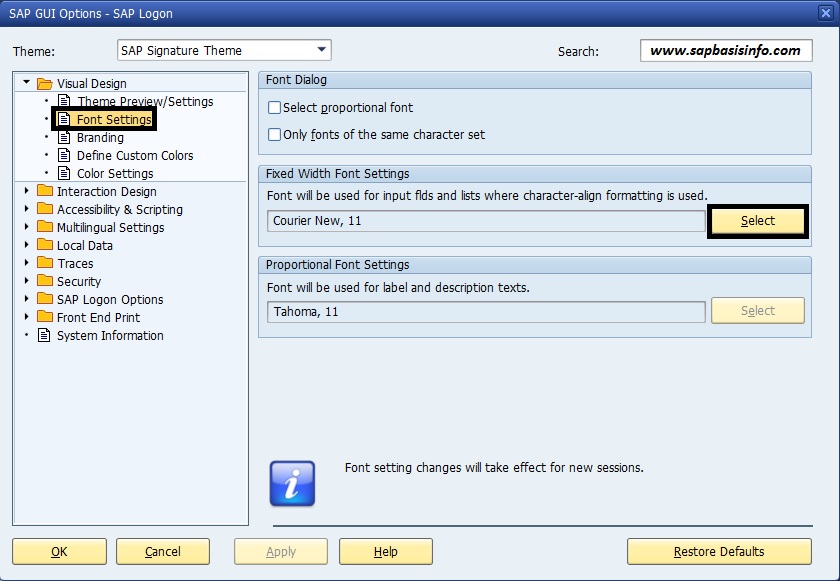
If you want to change your SAP system’s “Font and Size Settings” over the SAPGui then check the following steps below…
Complete information only for activated RFC calls (> settings)
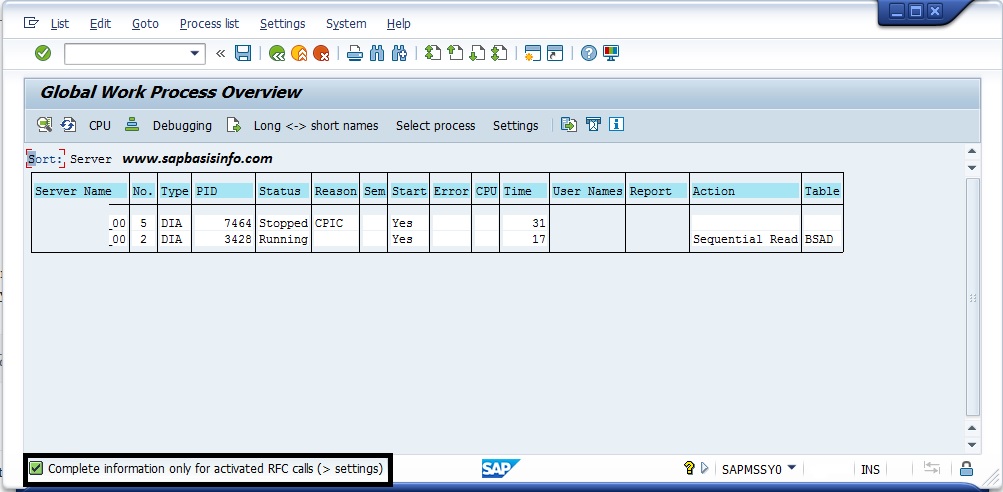
If you get a message “Complete information only for activated RFC calls (> settings)” on your SM66 screen then you can do the following steps to check it
Activate SAPGui Traces

If you want to activate your “SAPGUI traces” then you can check the following steps to do it easily over the SAPGUI options…
IN_WRONG_TABLESPACE After SAP Version Upgrade

If you get a message “IN_WRONG_TABLESPACE” in your CHECKDB log especially after a SAP upgrade project then you should check the following steps…

SAP Remote Client Copy
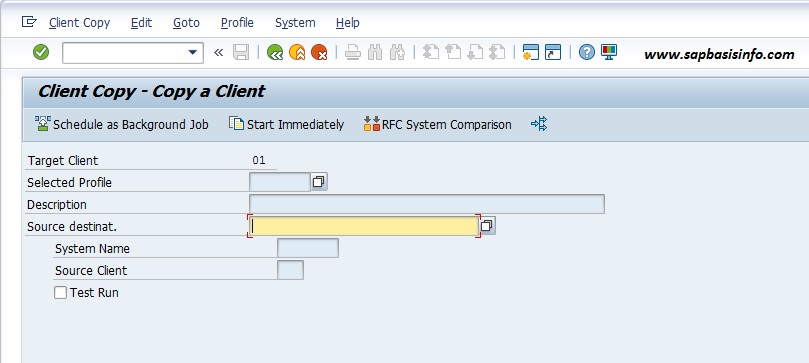
If you want to copy your SAP client to new client with specific data selection then you can follow the steps…
Activate High Contrast Theme for SAPGUI
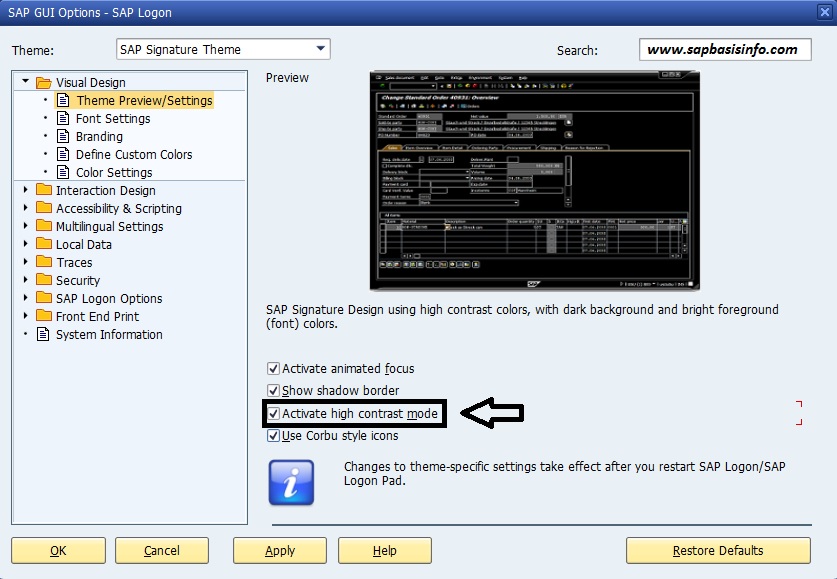
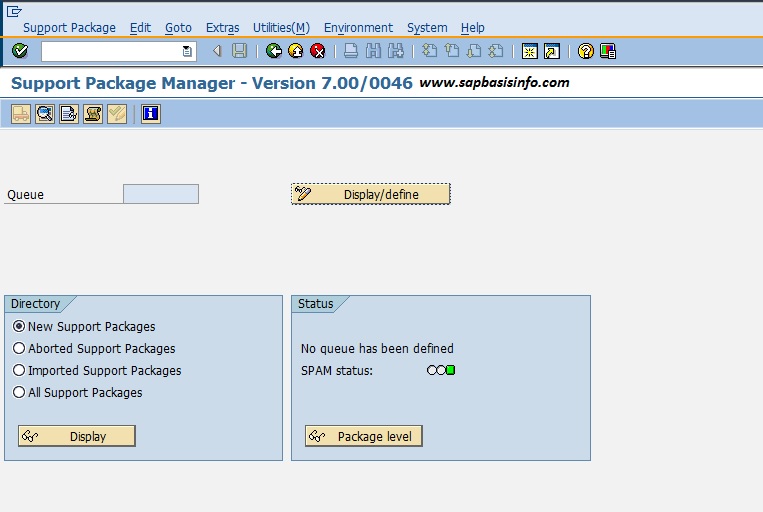
If you want to “Activate High Contrast Theme” for your SAPGui then you can enable this feature with following steps…
Change SAP Theme
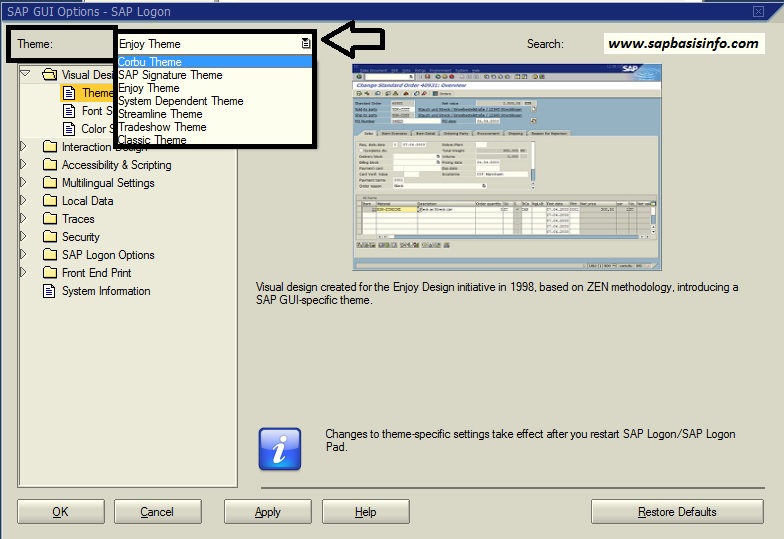
If you want to change your SAP theme with another one , then you can do this via SAPGUI menu easily with following steps…
Find the Type of Transport Requests
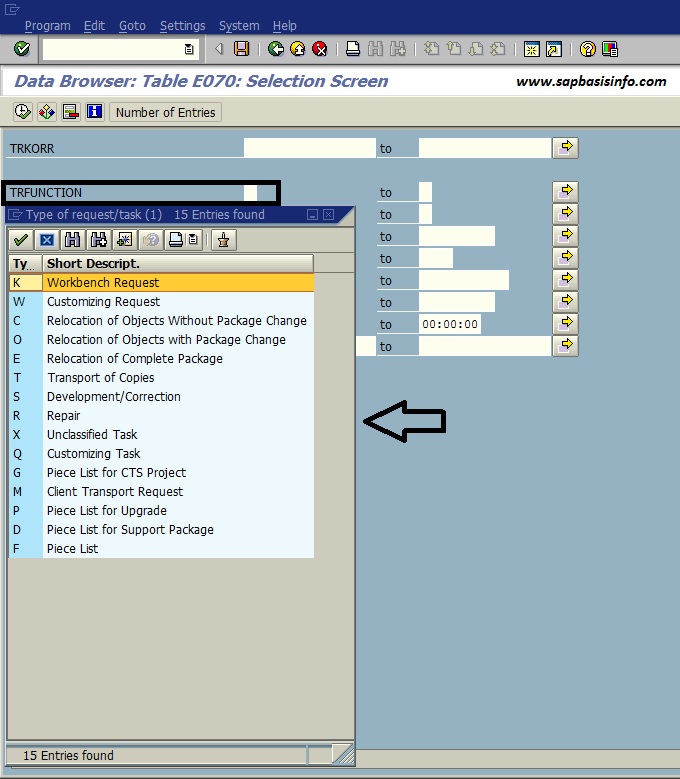
If you want to find a specific transport request’s type or search and list any type of transport requests which type you want then you can use the following table for this…
Difference between Workbench and Customizing Requests
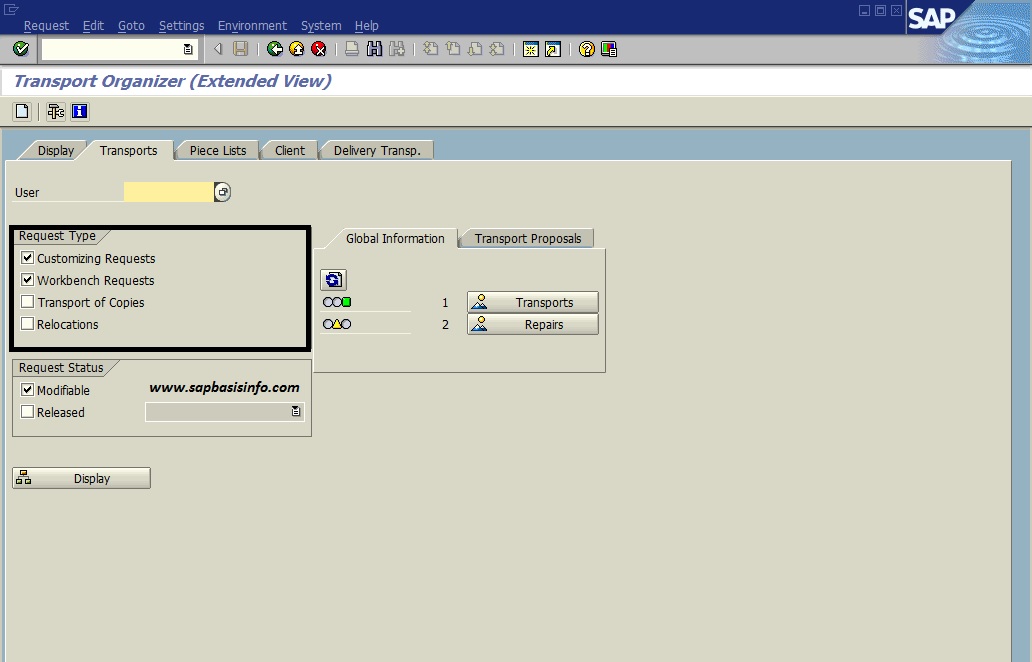
There are some difference between “Workbench Requests” and “Customizing Requests” , let’s see what are the important difference they have…
SAP Client Dependent and Independent

If objects used in several clients then called “Client Independent” but if objects used a specific client then called “Client Dependent”.
Find the Date Time and Responsible Informations of Imported Transport Request
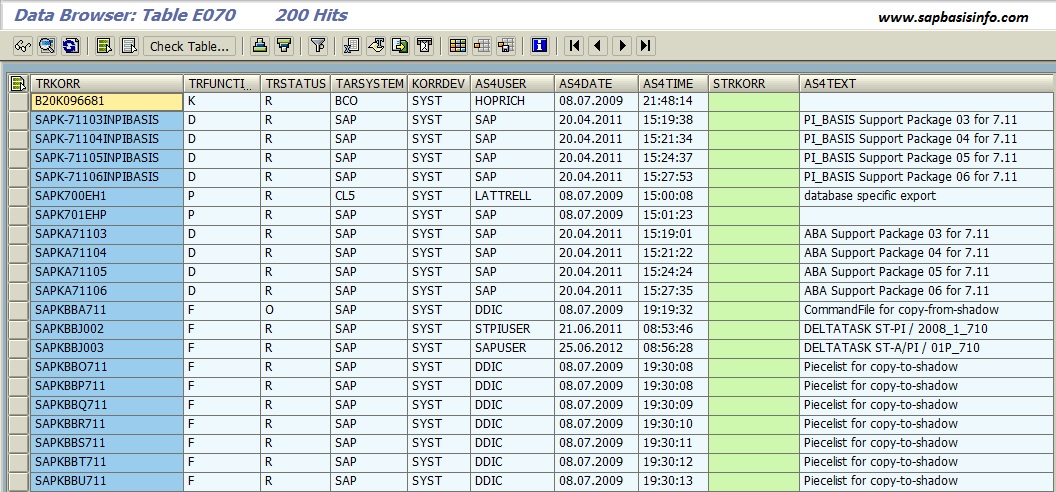
If you want to find date,time and responsible informations of imported transport requests, then you can use several options for it and i am going to share some of them with you….

Changing the Instance Number of an Installed SAP System

If you want to change your installed SAP system’s “Instance Number” then you can follow the following steps…
Flashback Query for Restoring the Table Entries from UNDO

If you wrongly delete any table entry from oracle database level and you want to get your data back then you can use this procedure easily…
Change Spool Request Creater Name
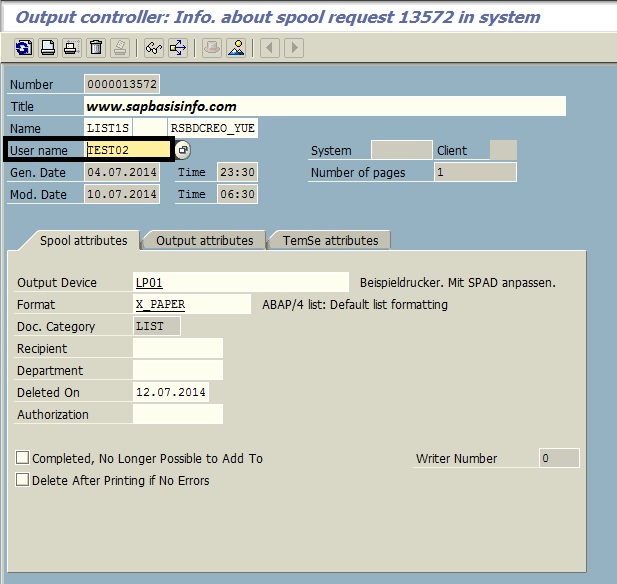
If you want to change a created SPOOL request owner’s name then you can do this easily from transaction code SP01 with the following steps…
SAPGUI Installation Check

If you want to check your SAPGUI installation status then you can use the following easy steps to do that…
SAP Local System Log Repair

If your local system log file is damaged then you can check and repair the log file via SAP program RSLG0020
“Central system log cannot be read” Message on SM21
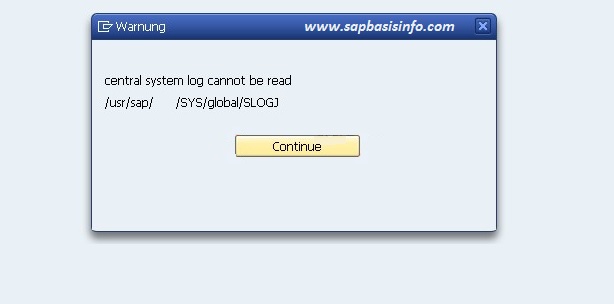
On windows NT systems there is no central system log but if you using UNIX system and if you got the message “Central system log cannot be read” then check the following info…
Count Number of Entries for SAP Table

If you want to get count number of your database table then you can use two different way for it…one is from oracle environment and the other one is SAP transaction SE16…
Mass Generation of Profiles via SUPC

You can use the transaction code SUPC to determine the missing authorization profiles for the related roles and also you can generate all profiles automatically….
CPU Time Usage List in SM50 Transaction

If you want to list “CPU Time Usage” info in your SM50 transaction code then you have to activate on transaction SM50 with following way..
Featured Posts
-
How to Resolve SAML2 HTTP 500 Errors Caused by HTTP Allow List Restrictions
-
Automatically Reorganizing Short Dumps
-
Reset the password of user Administrator of SAP Cloud Connector
-
Dumps after SPAM aborts while Importing SAP Support Package
-
SAP HotNews : RSPO1043 detects false inconsistencies and deletes spool requests
-
SAP extends support deadline for getting off legacy software
-
500 Internal Server Error via Web Browser
-
Asking and Answering Questions in the SAP Community
-

Performance Issues on ABAP Stack
-

What is RISE with SAP ?
Recent Comments